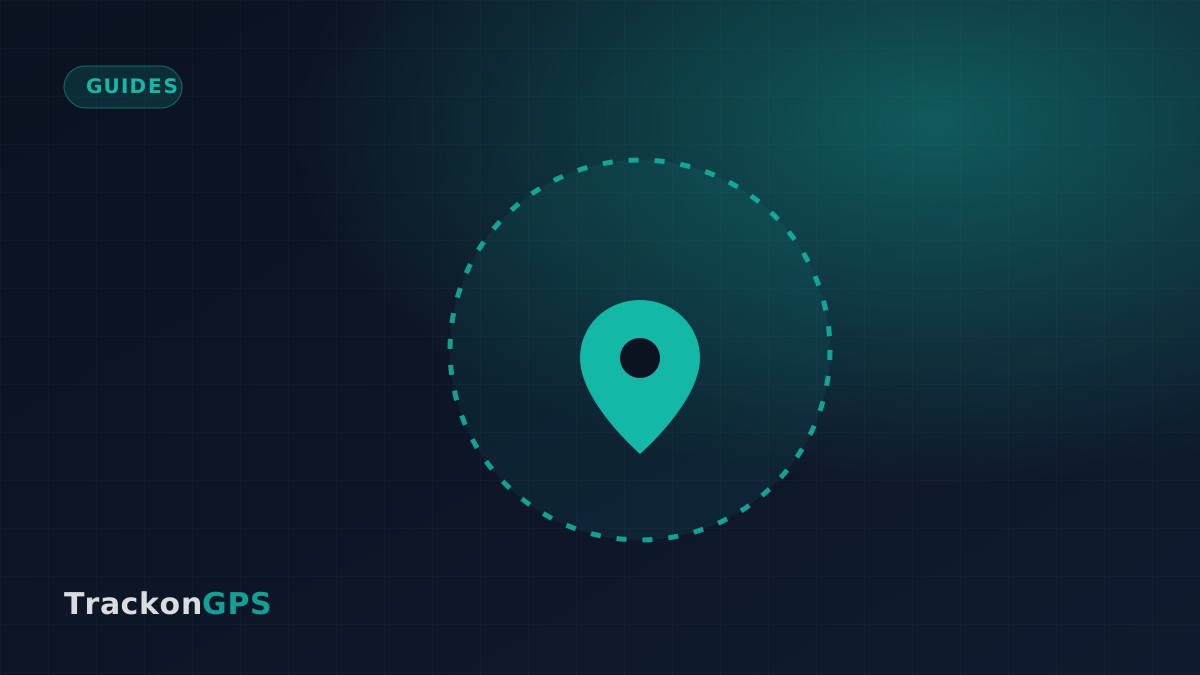
Geofencing is one of the most useful features in any tracker — and one of the least understood. At its core it's very simple: you draw a circle or shape on the map, and you get notified whenever your vehicle enters or leaves it.
A geofence is just a zone on the map — cross its edge and you get a ping.
Good zones to start with
Home — know when a family member arrives safely.
Office or depot — confirm the workday's first and last movement.
School — a quiet "arrived" ping without a phone call.
A no-go area — get warned early if a vehicle heads somewhere it shouldn't.
Setting one up
Open the vehicle in the Trackon app and tap Geofence.
Drop a pin on the location and drag to size the zone.
Choose entry, exit, or both, and save.
Keep alerts useful
The fastest way to start ignoring alerts is to create too many. Start with two or three zones that genuinely matter, and only add more once you trust the ones you have.